

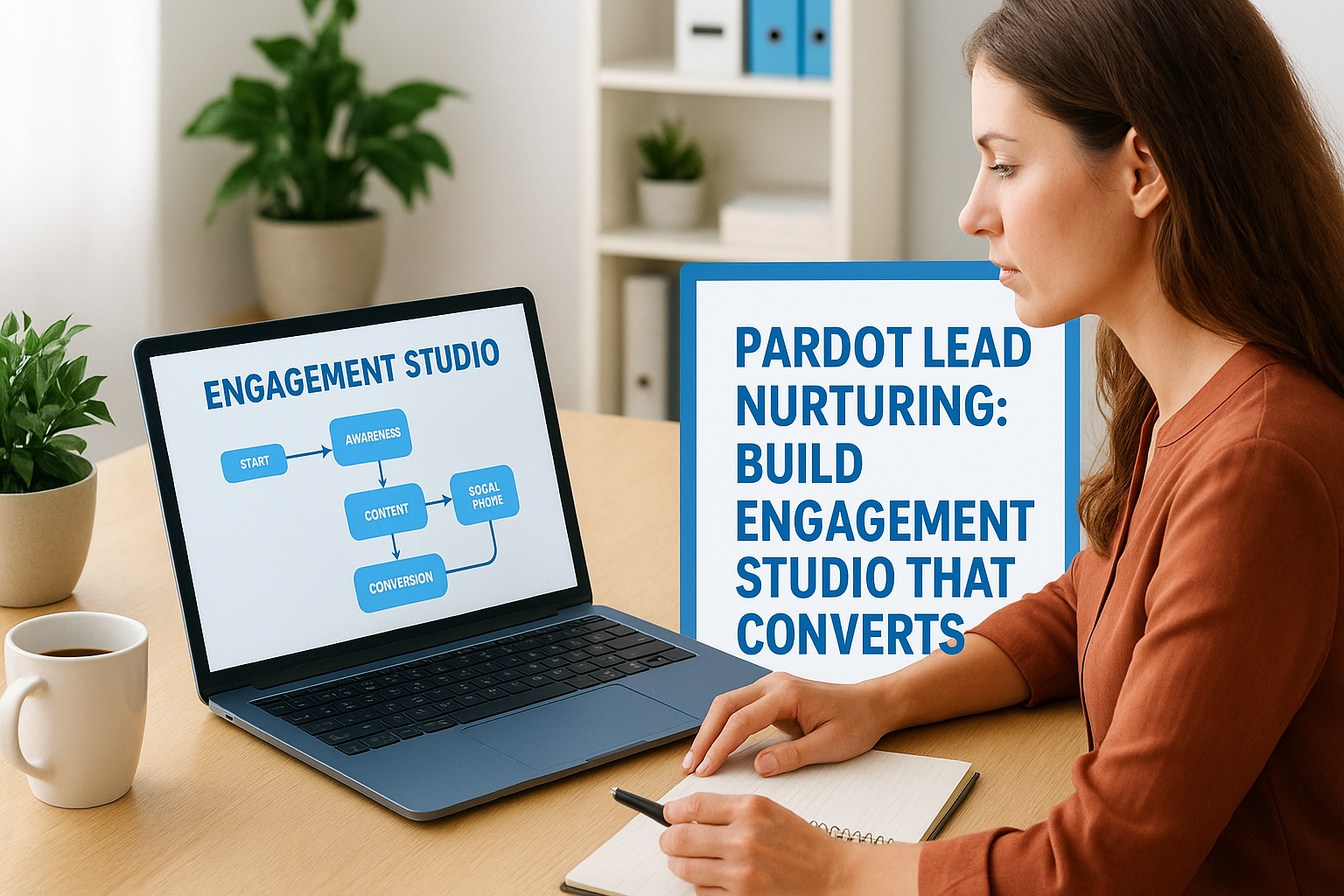
Most businesses using Pardot (now Salesforce Account Engagement) have the tool, they just don’t have the strategy. They set up a few emails, maybe a basic drip sequence, and wonder why Pardot lead nurturing campaigns aren’t moving prospects through the pipeline. The problem isn’t the platform. It’s how Engagement Studio is configured and whether the logic behind each touchpoint actually matches buyer behavior.
At Client Factory, we build client acquisition systems that convert, and we’ve seen firsthand how a well-architected nurture program separates businesses that grow from those that stall. The difference usually comes down to segmentation, timing, and content relevance working together inside a framework that’s designed to guide prospects toward a decision, not just stay in touch. That’s exactly what Engagement Studio was built for, when you use it right.
This guide walks you through the full process of designing, building, and optimizing lead nurturing campaigns in Pardot’s Engagement Studio. You’ll get practical steps for every stage, from mapping your nurture logic and setting branching rules to testing performance and improving conversion rates over time. Whether you’re starting from scratch or trying to fix a program that’s underperforming, this is the playbook for turning automation into actual pipeline.
What you need before you build a nurture
Before you open Engagement Studio, you need to confirm that the fundamentals are in place. Pardot lead nurturing only works as well as the data and infrastructure underneath it. Jumping straight into building a program without these pieces means you’ll spend time fixing broken logic later instead of optimizing for conversions. Check each item below before you touch the program canvas:
- Salesforce connector is active and syncing without errors
- Prospect fields are mapped between Pardot and Salesforce
- All email templates are drafted and ready to assign
- At least one landing page per conversion goal is live
- Lead stages and score thresholds are defined
A clean Salesforce connector and verified field mapping
Your Pardot account needs an active Salesforce connector with a confirmed sync. Go to Admin > Connectors and check that the sync status shows no errors. Beyond the connection itself, verify that custom fields are mapped correctly, especially fields like lead status, lifecycle stage, and any scoring inputs you plan to use in branching rules.
A broken field sync is the most common reason nurture programs send the wrong email to the wrong person, and it rarely surfaces until pipeline data starts looking wrong.
Run a quick export of your prospect records and scan for blank values in key fields like job title, industry, or lead source. Blank fields break conditional logic in Engagement Studio steps, and those failures are hard to catch without a full audit after the program is live.
Ready-to-use email and landing page assets
Engagement Studio requires assets to exist before you can assign them to program steps. Draft every email in Pardot’s email builder first, including subject lines, preview text, and confirmed sending domain alignment. You also need at least one tracked landing page per conversion goal connected to the right completion action before you wire anything into the program flow.
Defined lead stages and a baseline scoring model
Your program needs clear exit criteria so it knows when a prospect is ready for sales. Define at minimum three lifecycle stages in Salesforce: Marketing Qualified Lead, Sales Accepted Lead, and Opportunity. Map each to a Pardot score threshold so the program can route or exit prospects based on actual behavior, not just time in sequence.
Step 1. Define the goal, audience, and content path
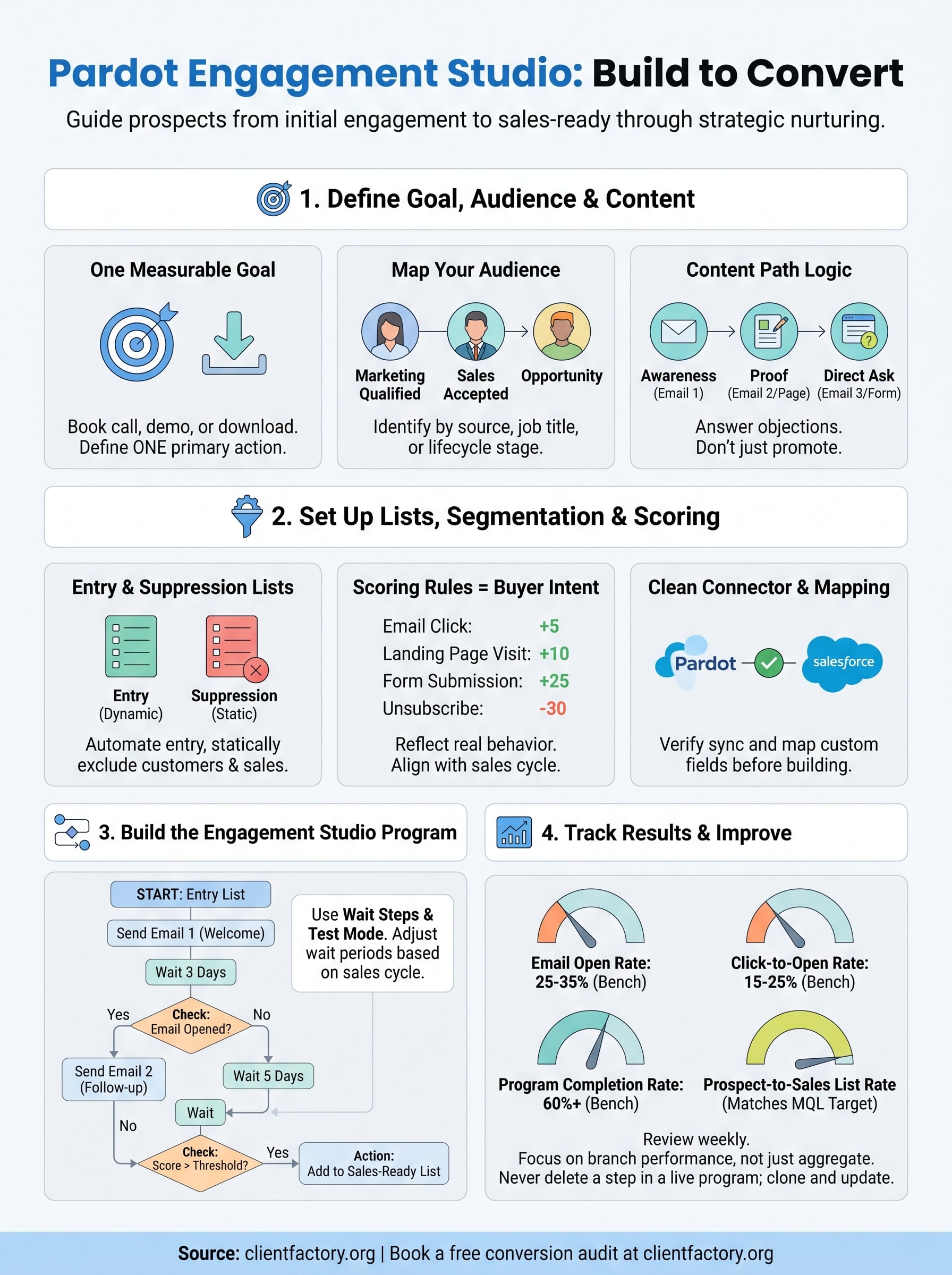
Every Pardot lead nurturing program needs a single, measurable goal before you build anything. Without a clear goal, you end up with a sequence that sends emails but never pushes prospects toward a specific action. Decide upfront whether your program is designed to book a discovery call, request a demo, or download a case study, then build every step around that one outcome.
Pick one goal per program
Trying to accomplish multiple goals inside a single program creates conflicting logic and dilutes your conversion data. Define one primary conversion action per program and write every email to move the prospect closer to that action. Use the table below to match common goals to their conversion triggers:
| Program Goal | Conversion Action | Exit Trigger |
|---|---|---|
| Book a discovery call | Form fill on scheduling page | Score reaches 50 |
| Download a case study | Asset download tracked in Pardot | List membership confirmed |
| Request a demo | Landing page form submission | Opportunity created in Salesforce |
Map your audience and content path
Your audience definition determines which prospects enter the program and which emails they receive at each stage. Identify your audience by lead source, job title, or lifecycle stage, then map three to five content touchpoints that match where they are in the buying process.

The content path should follow a clear logic: awareness first, then proof, then a direct ask. Reversing that order is the fastest way to get unsubscribes.
Each email in the sequence should answer a specific objection or question your prospect has at that stage, not just promote your services.
Step 2. Set up lists, segmentation, and scoring rules
Good list architecture is what controls who enters your program and when. Before you touch the Engagement Studio canvas, you need to build the entry lists, suppression lists, and segmentation criteria that will drive the program’s targeting logic. Rushing this step causes prospects to receive irrelevant emails, which tanks engagement rates and distorts your performance data.
Build your entry and suppression lists
Your entry list defines which prospects are eligible to start the program. Create it using dynamic list rules in Pardot so it updates automatically as new prospects meet your criteria. Your suppression list should include current customers, active opportunities in Salesforce, and anyone who has already converted on the program’s goal. Use static lists for suppression so you control exactly who stays out.
The most common list mistake is skipping a suppression list entirely, which means sales contacts receive nurture emails that make your team look disorganized.
Set scoring rules that reflect buyer intent
Pardot lead nurturing only routes prospects correctly when your scoring model connects to real behavior. Set point values that reflect actual buying signals, not just passive activity. Use the structure below as a starting baseline:
| Action | Score Value |
|---|---|
| Email click | +5 |
| Landing page visit | +10 |
| Form submission | +25 |
| Pricing page visit | +15 |
| Unsubscribe | -30 |
Adjust these thresholds based on your sales cycle length and average time-to-close data from Salesforce.
Step 3. Build the Engagement Studio program end to end
Now that your lists, scoring rules, and assets are ready, you can open Engagement Studio and start building. Navigate to Marketing > Engagement Studio and create a new program. Set your entry list and suppression list on the start node before you place a single step. This order matters because Pardot locks list assignments once the program goes live.
Configure the program entry and steps
Add steps in this exact sequence to keep your pardot lead nurturing program logic clean and testable:

| Step | Type | Configuration |
|---|---|---|
| 1 | Send Email | Welcome or intro email |
| 2 | Wait | 3 days |
| 3 | Check | Email opened? Yes/No branch |
| 4 | Send Email | Follow-up based on branch |
| 5 | Wait | 5 days |
| 6 | Check | Score above threshold? |
| 7 | Action | Add to sales-ready list or continue sequence |
Use wait steps between every email and never send two emails back-to-back without a check step in between.
Set branching logic and wait periods
Each check step should evaluate one behavior at a time, either an email open, a link click, or a form fill. Avoid stacking multiple conditions in a single check node because it makes troubleshooting nearly impossible when a branch stops performing.
Build your program in test mode first using a small internal list before you activate it against real prospects.
Adjust wait periods based on your average sales cycle. Shorter cycles need tighter spacing, while longer cycles benefit from seven-day gaps between touchpoints.
Step 4. Track results and improve without breaking sales
Once your program is live, your job shifts to monitoring performance and making targeted improvements, not rebuilding the whole sequence every time a metric dips. Pardot lead nurturing programs improve through iteration, but only when you track the right data from the start.
Monitor the right metrics
Pull your Engagement Studio report weekly during the first 30 days. Focus on the metrics below, not vanity numbers like total emails sent:
| Metric | Target Benchmark | What a Drop Signals |
|---|---|---|
| Email open rate | 25-35% | Subject line or send timing issue |
| Click-to-open rate | 15-25% | Content or CTA mismatch |
| Program completion rate | 60%+ | Prospects exiting early or hitting errors |
| Prospect-to-sales list rate | Matches your MQL target | Scoring threshold needs adjustment |
Review each branch path separately rather than looking at aggregate numbers, because a weak branch can hide inside a strong overall open rate.
If your program completion rate drops below 40%, pause the program and audit your wait step durations and list suppression rules before sending more emails.
Make changes without disrupting active prospects
Never delete a step while prospects are actively moving through a live program. Pardot will drop those prospects from the sequence entirely. Instead, clone the program, make your changes in the copy, pause the original after current prospects clear it, and activate the updated version. This keeps sales pipeline data clean and prevents mid-cycle disruption to deals already in motion.
Next steps
You now have a complete framework for pardot lead nurturing that covers list architecture, scoring rules, Engagement Studio logic, and performance tracking. The difference between a program that sits idle and one that actively moves prospects through your pipeline comes down to following the setup sequence, not skipping steps to get live faster.
Start by auditing what you already have. Check your Salesforce connector sync, review your field mapping, and verify that your scoring thresholds reflect actual buying signals. If you already have a live program, run the completion rate and click-to-open metrics from the last 30 days before changing anything.
Building a nurture program that converts takes the right strategy behind the automation. If your current client acquisition funnel has gaps you can not diagnose on your own, book a free conversion audit and we will show you exactly where prospects are dropping off and how to fix it.
