

Zoho Marketing Automation is a multichannel platform that helps you generate leads and convert them into paying customers. You can create automated email campaigns, track visitor behavior on your website, score leads based on their engagement, and build workflows that move prospects through your sales funnel without manual intervention. The tool connects with other Zoho products and integrates directly with your CRM to keep your marketing and sales teams working from the same data.
This guide walks you through everything you need to know about the platform. You’ll learn how to get started with your first campaign, which features matter most for your business goals, what each plan costs and what’s included, and how to sign up for the free trial. We’ll also compare it to other Zoho products and alternative marketing automation tools so you can decide if it’s the right fit.
Why Zoho Marketing Automation matters
Manual marketing tasks drain your time and limit your growth potential. You can spend hours each week sending individual follow-up emails, tracking which leads opened your messages, and trying to remember which prospects need your attention next. Manual processes create bottlenecks that prevent you from scaling your outreach, and they increase the risk of human error when you forget to follow up with a qualified lead at the right moment.

The competitive advantage of automation
Your competitors who use automation tools reach more prospects with less effort. They capture leads from multiple channels, send personalized messages based on specific behaviors, and score prospects automatically so their sales team knows exactly who to call first. Zoho marketing automation gives you these same capabilities without requiring a large marketing team or technical expertise to set up complex workflows.
Automated systems work around the clock while you focus on strategy and closing deals. Lead nurturing sequences run in the background, sending the right message to the right person at the right time based on how they interact with your website and emails. This consistency keeps your brand top of mind and moves prospects through your funnel faster than manual touchpoints ever could.
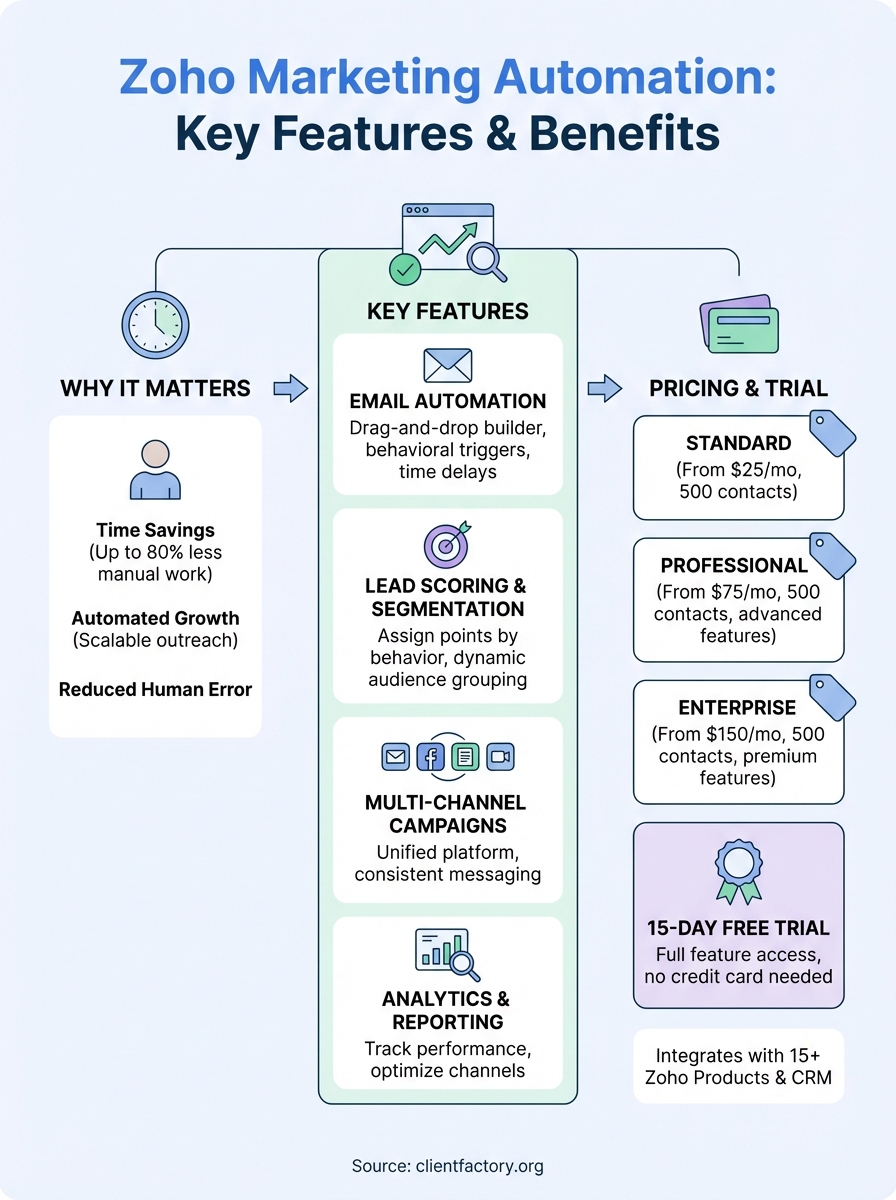
Marketing automation reduces the time you spend on repetitive tasks by up to 80%, freeing you to focus on high-value activities that drive revenue.
The data you collect through automated tracking shows you which campaigns produce results and which channels waste your budget. You can see exactly what your prospects care about based on the pages they visit and the emails they click, then adjust your messaging to address their specific interests and pain points.
How to get started with Zoho Marketing Automation
You can set up your first campaign in under an hour by following a straightforward onboarding process. The platform guides you through account creation, data import, and your initial workflow setup with step-by-step instructions that don’t require technical knowledge. Your focus should be on connecting your existing systems and defining your first automation goal before you dive into advanced features.
Create your account and connect your data
Sign up through the Zoho website and choose between a free trial or paid plan based on your contact list size and feature needs. The system asks for basic business information and your primary marketing goals during registration, which helps customize your dashboard and suggest relevant templates for your industry.
Connect your CRM system or import your contact list through a CSV file upload in the first setup screen. Zoho marketing automation syncs directly with Zoho CRM if you’re already in their ecosystem, pulling in contact details, lead scores, and deal stages automatically. You can also integrate third-party tools through native connectors or Zapier if you use platforms outside the Zoho suite for email, webinars, or social media management.
Build your first workflow
Start with a simple welcome sequence rather than trying to create complex multi-path workflows right away. Choose a trigger that fits your business model, such as when someone fills out a form on your website, downloads a resource, or reaches a specific lead score threshold. The visual workflow builder lets you drag and drop actions like sending emails, updating contact fields, or assigning leads to sales reps.
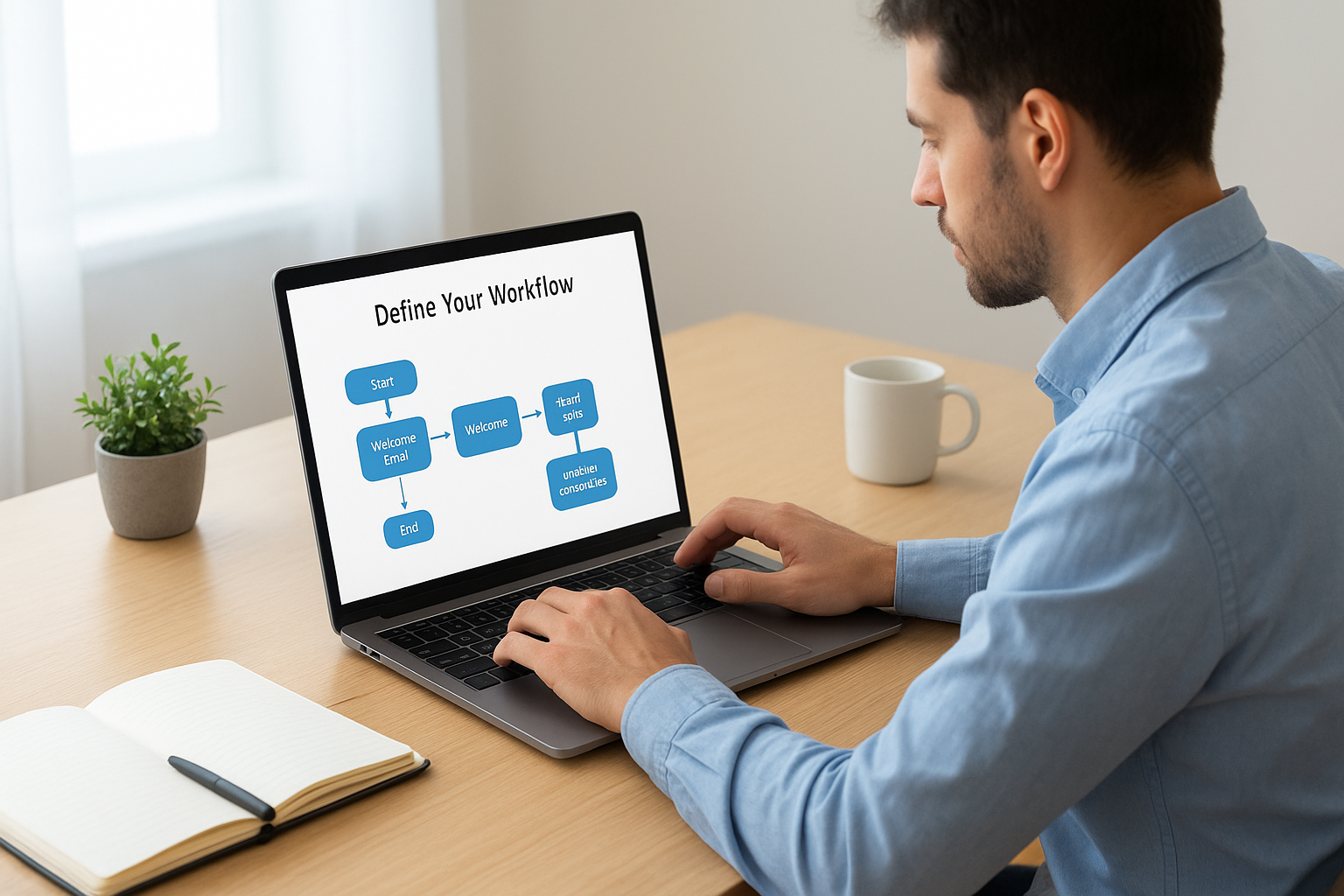
The fastest way to see results is to launch one focused automation sequence and optimize it based on performance data before building additional workflows.
Test your workflow with internal email addresses before activating it for your entire contact list. You can send test emails to yourself and your team, check how delays function between actions, and verify that conditional logic routes contacts correctly based on their behavior. The preview mode shows you exactly what each contact will experience as they move through your sequence, helping you catch errors before real prospects see them.
Key features and use cases
Zoho marketing automation gives you tools that handle the repetitive parts of your marketing while you focus on strategy and growth. The platform combines email automation, lead tracking, multi-channel campaign management, and detailed analytics in one interface. Each feature connects to your CRM data, so you can segment audiences, personalize messages, and measure results without switching between multiple tools or manually updating spreadsheets.
Email campaign builder and automation
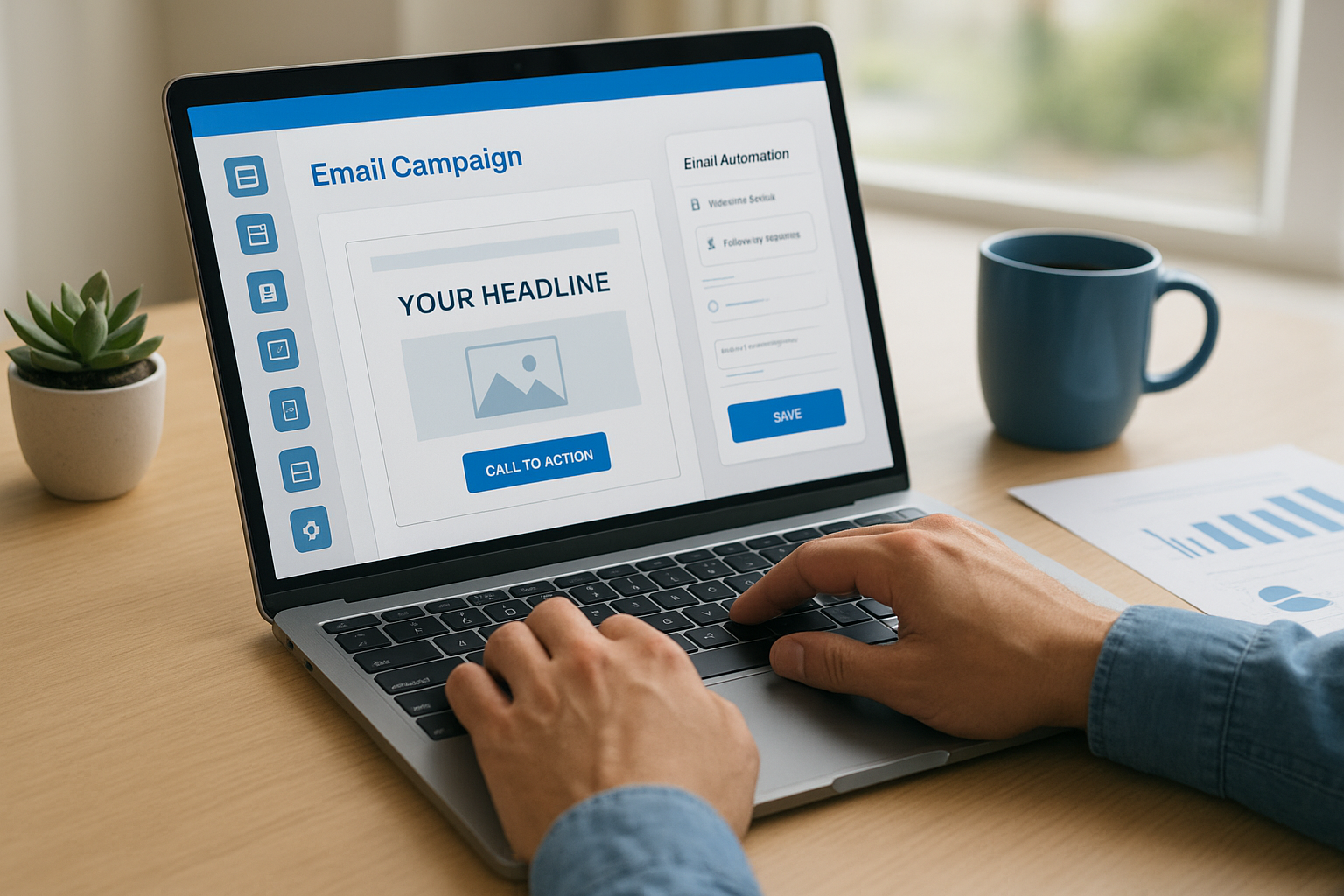
You can design professional email campaigns using the drag-and-drop editor without writing any code. The template library includes layouts for newsletters, product launches, event invitations, and promotional offers that you can customize with your brand colors, fonts, and images. Your emails automatically adjust to look good on mobile devices and desktop screens, and you can preview exactly how they’ll appear before sending them to your list.
The automation engine lets you trigger emails based on specific actions your contacts take. Someone who downloads your whitepaper receives a follow-up sequence explaining your services, while a prospect who visits your pricing page three times gets a message from your sales team offering a demo. You can set up time delays between messages, add conditional branches based on email opens or clicks, and stop sequences automatically when someone converts into a customer.
Email automation delivers 70% higher open rates and 152% higher click-through rates compared to broadcast emails sent to your entire list.
Lead scoring and segmentation
The lead scoring system assigns points to contacts based on their behavior and profile information. You decide which actions matter most for your business, such as giving 50 points for requesting a demo versus 10 points for opening an email. Contacts accumulate scores as they interact with your content, and the system can automatically alert your sales team when someone crosses your threshold for a qualified lead.
Segmentation tools let you divide your contact list into groups based on any criteria you track. You can create segments for people who work in specific industries, have certain job titles, visited particular pages on your website, or engaged with previous campaigns. These segments update dynamically as contacts change their behavior, ensuring your targeted messages always reach the right audience without manual list management.
Multi-channel campaign orchestration
Your campaigns reach contacts through email, SMS, social media, and webinars from one central platform. You can schedule social media posts to Facebook, Twitter, and LinkedIn alongside your email sends, ensuring consistent messaging across all channels. The webinar integration lets you promote events, send reminders, and follow up with attendees or no-shows through automated workflows that adjust based on registration status and attendance.
Web forms capture leads directly from your website and add them to your automation sequences immediately. You can create pop-up forms, slide-in boxes, or embedded sign-up forms that appear based on visitor behavior, like when someone spends more than 30 seconds on your services page or is about to leave your site. Each form connects to specific workflows, so someone downloading a case study enters a different sequence than someone requesting a consultation.
Real-world use cases
Service businesses use zoho marketing automation to nurture leads through long decision cycles. A consulting firm might set up a 12-month drip campaign that educates prospects about their methodology, shares client success stories, and offers free resources before pitching their services. The automation handles the nurturing while the sales team focuses on high-value conversations with engaged leads who have demonstrated genuine interest through their interactions.
E-commerce companies leverage the platform to recover abandoned carts and increase customer lifetime value. When someone adds items to their cart but doesn’t complete the purchase, an automated sequence sends reminder emails with product images and a direct checkout link. After the first purchase, new customers enter a post-purchase workflow that recommends complementary products, requests reviews, and offers loyalty discounts based on their buying patterns and preferences.
Plans, pricing, and free trial
Zoho marketing automation offers four pricing tiers based on your contact list size and feature needs. The platform uses a subscription model where you pay monthly or annually, with discounts available when you commit to yearly billing. You can test all premium features through a 15-day free trial before choosing a paid plan, and you won’t need to enter payment information to start your trial account.
Free trial access
You gain full access to enterprise-level features during your 15-day trial period without restrictions. The trial includes unlimited email sends up to 1,000 contacts, complete workflow automation, lead scoring, multi-channel campaigns, and all integrations with other Zoho products. Your trial data carries over when you convert to a paid plan, so you can build workflows and import contacts without worrying about losing your setup work.
The platform doesn’t require a credit card to activate your trial, removing the risk of automatic charges if you decide not to continue. You receive reminders as your trial period nears its end, giving you time to evaluate results and choose the right pricing tier for your business. Support access during the trial matches what paid customers receive, including live chat, email assistance, and access to the knowledge base and tutorial videos.
Pricing tiers explained
The Standard plan starts at $25 per month for up to 500 contacts and includes email campaigns, basic automation, lead scoring, and website tracking. This tier works well for small businesses just starting with automation who need core features without advanced personalization or analytics.
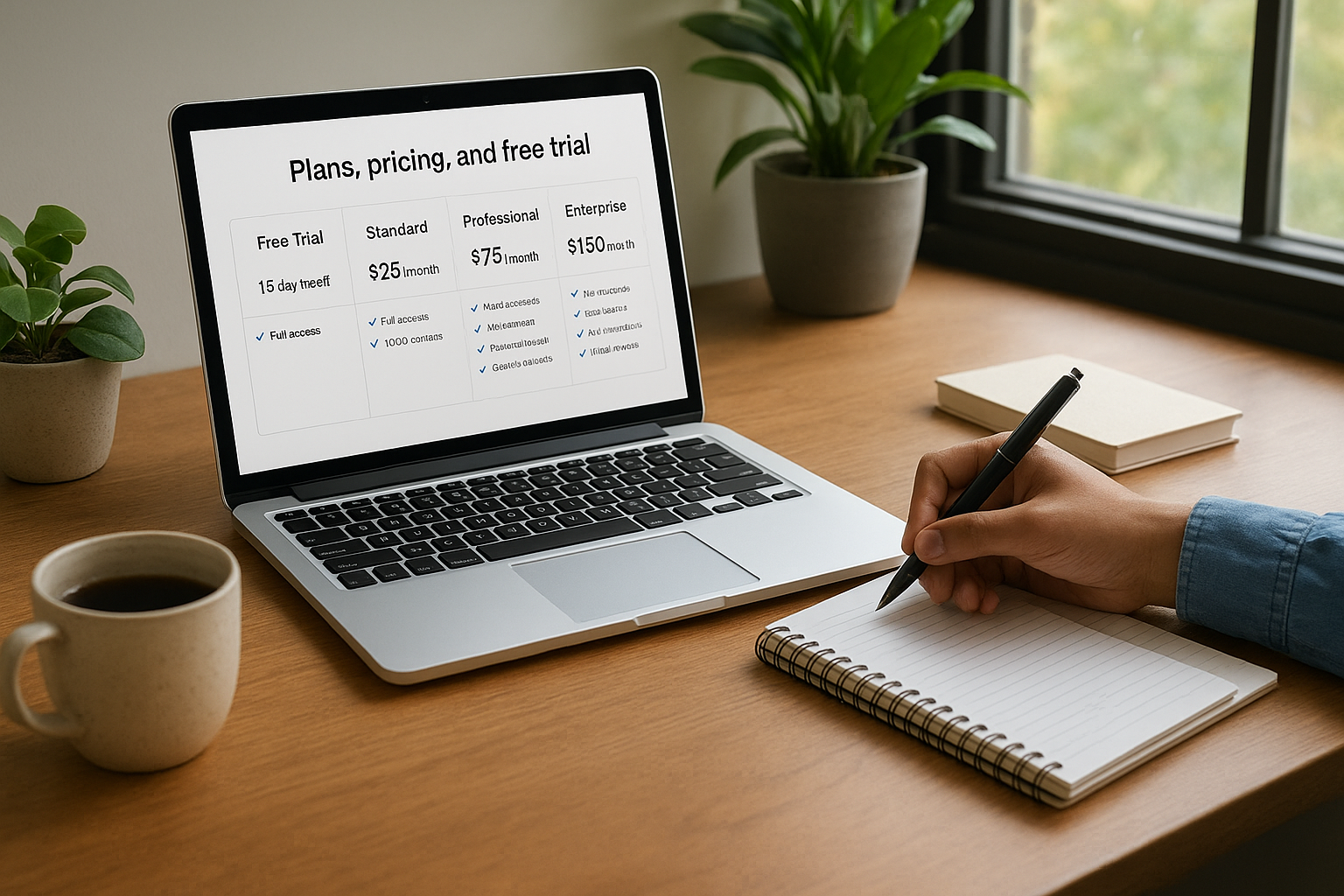
Professional tier pricing begins at $75 per month for 500 contacts and adds multi-channel campaigns, advanced segmentation, A/B testing, and detailed analytics dashboards. You can create custom user roles and access webhook integrations at this level, making it suitable for growing teams that need more sophisticated automation and collaboration features.
Businesses that commit to annual billing save 20% compared to monthly subscriptions, reducing their effective cost per contact by nearly $2 for every 1,000 contacts in their database.
Enterprise plans start at $150 per month for 500 contacts and include everything from lower tiers plus dedicated IP addresses, custom roles with granular permissions, and priority support. You also get access to advanced reporting features like cohort analysis, custom dashboards, and API access for deep integrations with your existing systems.
What you get at each level
Contact limits scale with each tier, and you can upgrade anytime as your list grows. The platform charges based on billable contacts, which means you only pay for people who are actively receiving your campaigns, not duplicate entries or unsubscribed addresses. Additional contacts beyond your plan limit cost between $10 and $30 per 1,000 contacts depending on your tier.
All plans include unlimited email sends within your contact limit, removing concerns about per-message fees that some competitors charge. You can send daily emails to your entire list if needed without additional costs, though the platform recommends following best practices for engagement rather than overwhelming your audience with too many messages.
Zoho ecosystem and alternatives
Zoho marketing automation connects directly with 15 other Zoho products to create a unified business platform. You can sync customer data between your CRM, helpdesk, sales tools, and accounting software without third-party integrations or API work. This native connectivity means your marketing campaigns automatically update when sales closes a deal or support resolves a ticket, keeping your entire team working from the same customer information.
How Zoho products work together
Your zoho marketing automation account pulls contact details, deal stages, and customer interactions from Zoho CRM instantly. When someone requests a demo through your automated campaign, the lead appears in your sales pipeline with complete engagement history attached. You can trigger marketing sequences based on support tickets in Zoho Desk or send targeted campaigns to customers based on their invoice status in Zoho Books.
Businesses using three or more integrated Zoho products reduce data entry time by 60% and eliminate duplicate records that typically plague disconnected systems.
Alternative platforms worth considering
HubSpot Marketing Hub offers similar automation features with a stronger focus on inbound marketing and content management. You get more sophisticated blogging tools and landing page builders, though at a higher price point starting around $800 per month for comparable features. The platform works well if content marketing drives most of your lead generation.
ActiveCampaign provides powerful automation at mid-market pricing between $49 and $259 monthly. You gain advanced conditional logic and split testing capabilities, plus stronger email deliverability rates according to independent testing. The interface requires more learning time but rewards users who need complex, behavior-based workflows.
Next steps
Zoho marketing automation gives you the tools to automate your lead generation and nurture prospects through your entire sales funnel. Start your 15-day free trial today to test the features we covered and build your first automated workflow without entering any payment information. You’ll quickly see which automation sequences work best for your specific business and exactly how much time you save on manual marketing tasks.
If you need expert help optimizing your marketing funnel beyond automation software alone, Client Factory specializes in turning clicks into qualified clients through data-driven strategies and AI-powered campaigns specifically designed for service businesses.
