

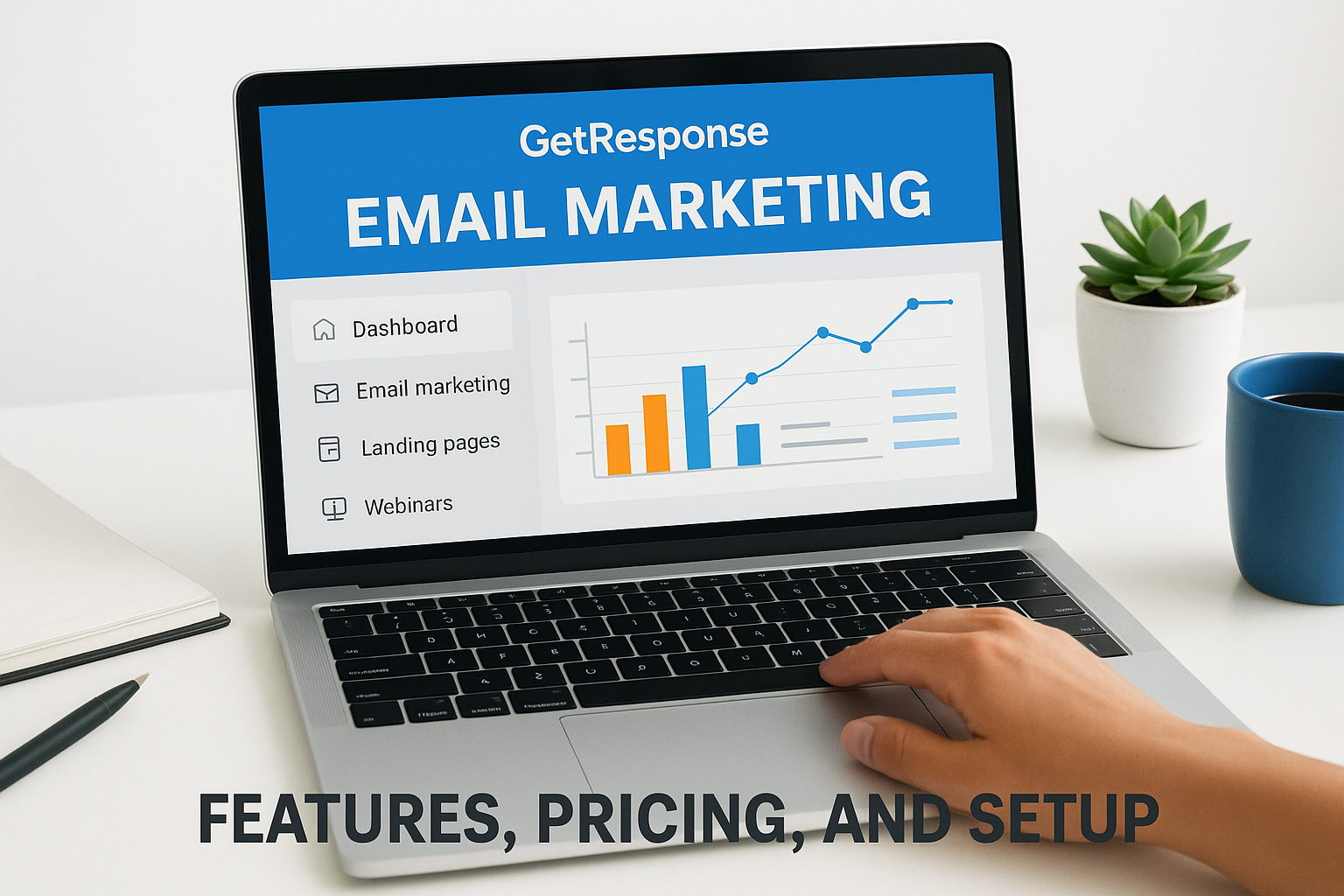
Email marketing remains one of the highest-ROI channels for turning leads into paying clients, but only when you have the right platform behind it. At Client Factory, we build client acquisition funnels for service businesses and law firms, and email is almost always a critical piece of that system. One tool we see come up repeatedly in conversations with business owners is GetResponse email marketing, a platform that promises to handle everything from simple newsletters to full-blown marketing automation.
But is it actually worth your time and budget? That depends on what you need. GetResponse has evolved well beyond a basic email sender. It now includes landing pages, webinar hosting, conversion funnels, and AI-driven features that compete with platforms twice its price. For business owners focused on lead generation and client acquisition, that kind of consolidation can simplify operations significantly, or create confusion if you don’t know where to start.
This article breaks down GetResponse’s core features, current pricing tiers, and step-by-step setup process so you can decide whether it fits your marketing stack. No fluff, no affiliate hype, just a clear look at what the platform does, where it performs well, and where it falls short.
What GetResponse email marketing is
GetResponse is a Poland-based SaaS platform founded in 1998 that started as a simple email sender and has since expanded into a full digital marketing suite. When people talk about GetResponse email marketing, they’re typically referring to the core set of tools: email creation, list management, segmentation, and automation. Those features still anchor the product, but today they sit inside a broader platform that also includes landing pages, paid ad integrations, webinar hosting, and a conversion funnel builder all under one login.
The core email tools
At its foundation, GetResponse gives you a drag-and-drop email editor, a contact database, list segmentation, and a visual automation builder. You can set up a basic welcome sequence or build multi-branch workflows that react to subscriber behavior in real time. The editor ships with over 200 pre-built templates sorted by industry and campaign goal, which cuts setup time significantly when you’re starting from scratch.
GetResponse’s automation builder lets you trigger emails based on opens, clicks, purchases, or custom events, giving you precise control over timing and messaging without manual intervention.
How it differs from simpler senders
Many entry-level email tools let you send a broadcast and stop there. GetResponse connects email directly to the rest of your marketing workflow, so you can build a landing page, run a Facebook ad, capture a lead, and drop that contact into an automation sequence all inside one platform. That level of integration is what separates it from basic newsletter tools.
Your contacts aren’t just names on a list in GetResponse. The platform tracks behavior across email opens, link clicks, and page visits, then feeds that data back into segmentation and lead scoring. That means you can send more targeted messages without manually tagging every contact yourself, which saves time as your list scales.
What it is not
GetResponse is not a full CRM, so it won’t replace a dedicated customer relationship management system if you manage complex sales pipelines with multiple stakeholders. It also doesn’t provide the deep transactional email infrastructure that server-level tools like Amazon SES offer for extremely high-volume sending with custom delivery configurations. Understanding those boundaries before you commit helps you plan where GetResponse fits in your stack and where you’ll need a separate solution alongside it.
Why GetResponse matters for service firms
Service businesses and law firms operate on longer decision cycles than e-commerce brands. A prospective client might visit your website three times, download a guide, and still take six weeks to pick up the phone. GetResponse email marketing gives you a structured way to stay in front of those contacts during that waiting period without requiring your team to chase each lead manually.
Nurturing beats blasting
Most service firms send the occasional newsletter and call it email marketing. That approach leaves money on the table. Automated nurture sequences built inside GetResponse let you deliver relevant content based on where a contact is in your funnel, whether they just opted in or have been sitting on your list for months without booking a call.
A well-timed follow-up email sent three days after a lead downloads your guide will outperform a monthly broadcast every time, because it speaks directly to what that person was already looking for.
Consolidation reduces overhead
Running separate tools for landing pages, email, and lead capture creates data gaps and monthly costs that stack up fast. GetResponse consolidates those functions under one platform, which means a smaller firm with a lean marketing setup can compete with a larger operation without hiring multiple vendors. For a law firm or service agency managing a tight budget, that consolidation directly improves your cost per acquisition.
Your team spends less time switching between dashboards and more time acting on the data GetResponse surfaces. Fewer tools also means fewer points of failure, which matters when a missed follow-up could cost you a signed contract.
Key GetResponse features for email marketing
GetResponse email marketing packs a specific set of tools that directly support list growth, lead nurturing, and conversion. Understanding which features matter most for your business helps you get value from the platform faster instead of cycling through every menu before you send a single campaign.
Email automation and segmentation
The visual automation builder is one of GetResponse’s strongest features. You can set triggers based on subscriber behavior, such as email opens, link clicks, or form submissions, then branch the workflow based on what each contact does next. Segmentation rules let you split your list by location, engagement level, or custom tags, so every message reaches the right group at the right time rather than landing in the inbox of someone who already converted.
Behavioral triggers in GetResponse let you respond to what a lead actually does, not just when they joined your list, which increases relevance without adding manual work.
Landing pages and conversion funnels
GetResponse includes a drag-and-drop landing page builder with templates tied directly to your email lists. When a contact submits a form on that page, they move automatically into your chosen automation sequence, removing the gap that typically appears when you run separate tools for lead capture and email delivery. For lean teams, that direct connection saves both setup time and troubleshooting time.
The conversion funnel builder extends this by letting you map out a complete acquisition path, from ad click to opt-in to follow-up email, inside a single interface. For service firms running paid traffic, this keeps your campaign data centralized in one place and makes it easier to spot where contacts drop off so you can fix the weak point quickly.
GetResponse pricing and plan differences
GetResponse email marketing runs on a tiered pricing model that scales with your contact list size and feature needs. Before you commit to a plan, you need to understand which tier matches your current list volume and which features are locked behind higher tiers, because the gap between plans is significant.
The four plan tiers
GetResponse currently offers four paid plans: Starter, Marketer, Creator, and eCommerce. Each tier unlocks a different set of tools, and the price increases as your list grows. Here is a quick breakdown of what each plan includes at the entry-level contact threshold:
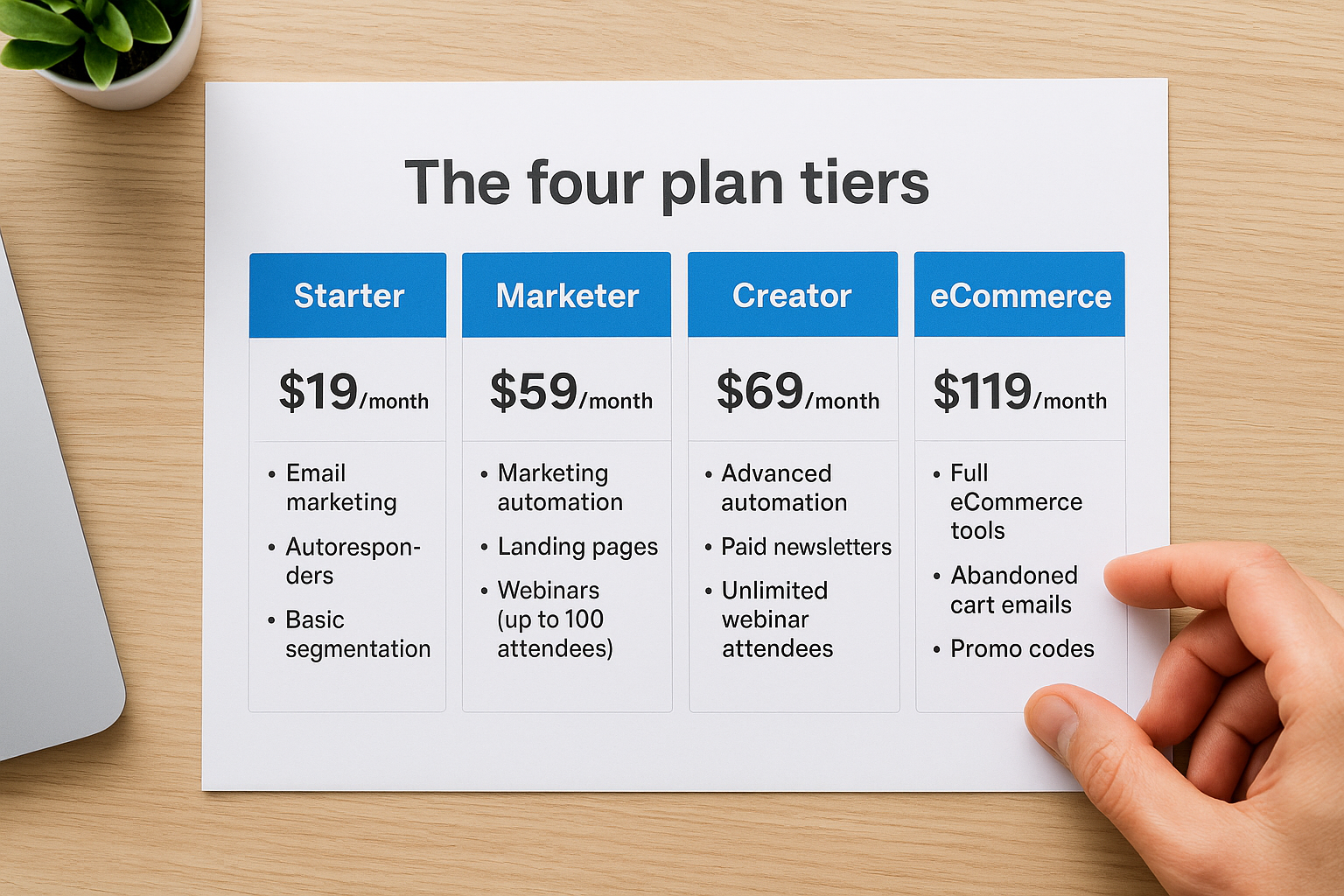
| Plan | Starting Price | Key Features Included |
|---|---|---|
| Starter | ~$19/month | Email marketing, autoresponders, basic segmentation |
| Marketer | ~$59/month | Marketing automation, landing pages, webinars (up to 100 attendees) |
| Creator | ~$69/month | Advanced automation, paid newsletters, unlimited webinar attendees |
| eCommerce | ~$119/month | Full eCommerce tools, abandoned cart emails, promo codes |
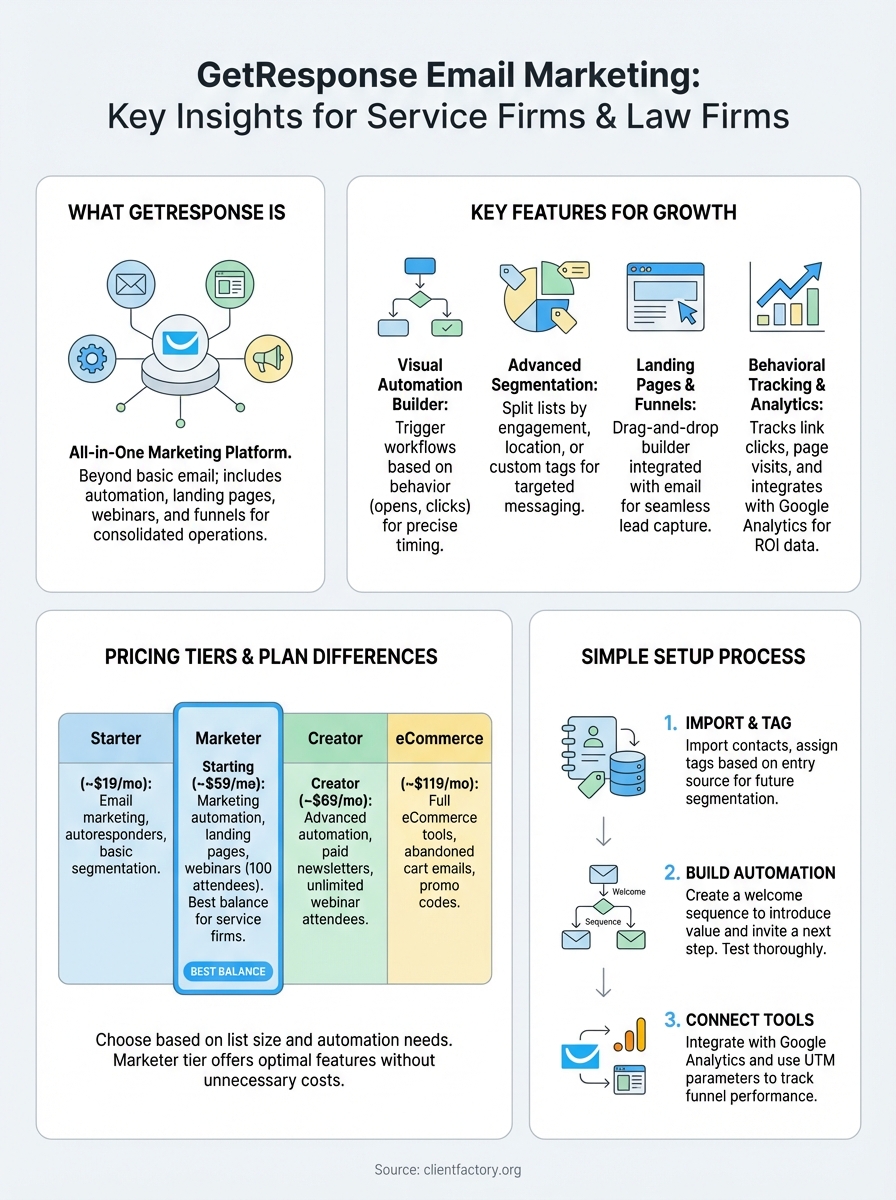
For most service firms and law firms, the Marketer plan hits the right balance between automation depth and cost, since it unlocks behavioral triggers and landing pages without paying for eCommerce tools you will never use.
Choosing based on what you actually need
Your decision should hinge on two factors: your current list size and whether you need automation. If you are still building your list below 1,000 contacts, the Starter plan lets you test the platform without a large commitment. Once your list passes that threshold and you are running nurture sequences and lead capture pages, upgrading to Marketer makes the monthly investment worthwhile. Avoid paying for the eCommerce or Creator tiers unless your business model specifically requires those features.
How to set up GetResponse in your workflow
Getting started with GetResponse email marketing takes less time than most business owners expect, but the order you follow matters. Before you build a single email, set up your account structure first so your contacts, tags, and automation rules stay organized as your list grows.
Build your list and launch your first automation
Start by importing your existing contacts or connecting a lead capture form to a landing page inside GetResponse. Once your contacts are inside the platform, assign tags based on how they entered your list, whether through a paid ad, an organic opt-in, or a referral. Those tags drive your segmentation later, so getting them right from day one saves you time cleaning up a messy list.

Your first automation should be a simple welcome sequence: three to five emails that introduce your business, explain what value you deliver, and invite the contact to take one clear next step.
After you publish that sequence, test it by adding a test contact to confirm every email triggers in the right order and that your links point to the correct pages. Small errors in a live sequence can cost you conversions before you even notice something is broken.
Connect GetResponse to your other tools
GetResponse integrates with tools like Google Analytics and Google Tag Manager, which lets you track how email traffic behaves on your website after a contact clicks through. Set up UTM parameters inside your email links so every campaign shows up correctly in your analytics dashboard. That data tells you which emails actually drive form submissions and calls, not just opens, giving you a direct line between your email activity and your revenue.
Where to go from here
GetResponse email marketing gives service businesses and law firms a practical platform for building automated lead nurture systems without managing a stack of disconnected tools. You now have a clear picture of what the platform does, how its pricing tiers stack up, and how to launch your first automation sequence in a way that keeps your contact data organized from the start.
The next step is deciding whether your current client acquisition funnel is actually built to convert the leads you bring in. A solid email platform only works when the broader funnel feeding it is set up correctly. If you are unsure where your funnel is leaking contacts or leaving revenue behind, getting a second set of eyes on it can save you months of trial and error.
Book a free conversion audit with the Client Factory team and find out exactly where to fix things first: schedule your funnel audit.
