

You built your Shopify store. Traffic is coming in. But those visitors aren’t turning into repeat customers, and your revenue growth has stalled. Email marketing could fix this, but setting up automated flows and campaigns feels overwhelming when you’re already juggling inventory, fulfillment, and customer service.
Klaviyo solves this problem by connecting directly to your Shopify store and turning your customer data into automated email campaigns that drive sales. It handles everything from welcome sequences to abandoned cart recovery without requiring you to manually send emails or track customer behavior.
This guide walks you through the complete setup process. You’ll learn how to connect Klaviyo to Shopify, configure your account properly, build essential automated flows, and launch your first campaigns. By the end, you’ll have a working email marketing system that converts more visitors into customers and brings buyers back for repeat purchases. No guesswork, no wasted time, just a clear path from setup to sales.
What you need before you start
Setting up Klaviyo email marketing requires a few basic elements to be in place before you begin. You need an active Shopify store with at least a handful of products listed and available for purchase. Your store should have basic branding elements ready, including your logo, brand colors, and standard messaging, since you’ll use these to create consistent email templates.
Your Shopify store setup
Your Shopify store needs to have admin access credentials ready so you can install the Klaviyo app from the Shopify App Store. Make sure you have at least five products published with complete descriptions, images, and pricing. This product data will populate your automated email flows and campaigns. If you’re just starting out with zero products, go back and finish your store setup first.
Business information and goals
Gather your business contact information, including your physical mailing address, which you’re legally required to include in all marketing emails. You also need a clear answer to this question: what specific action do you want subscribers to take? Whether that’s making a first purchase, buying a specific product line, or returning for a second order, knowing your primary goal shapes how you configure your flows and campaigns.
Your email marketing strategy starts with one clear objective, not a dozen scattered hopes.
Step 1. Create your Klaviyo account and connect Shopify
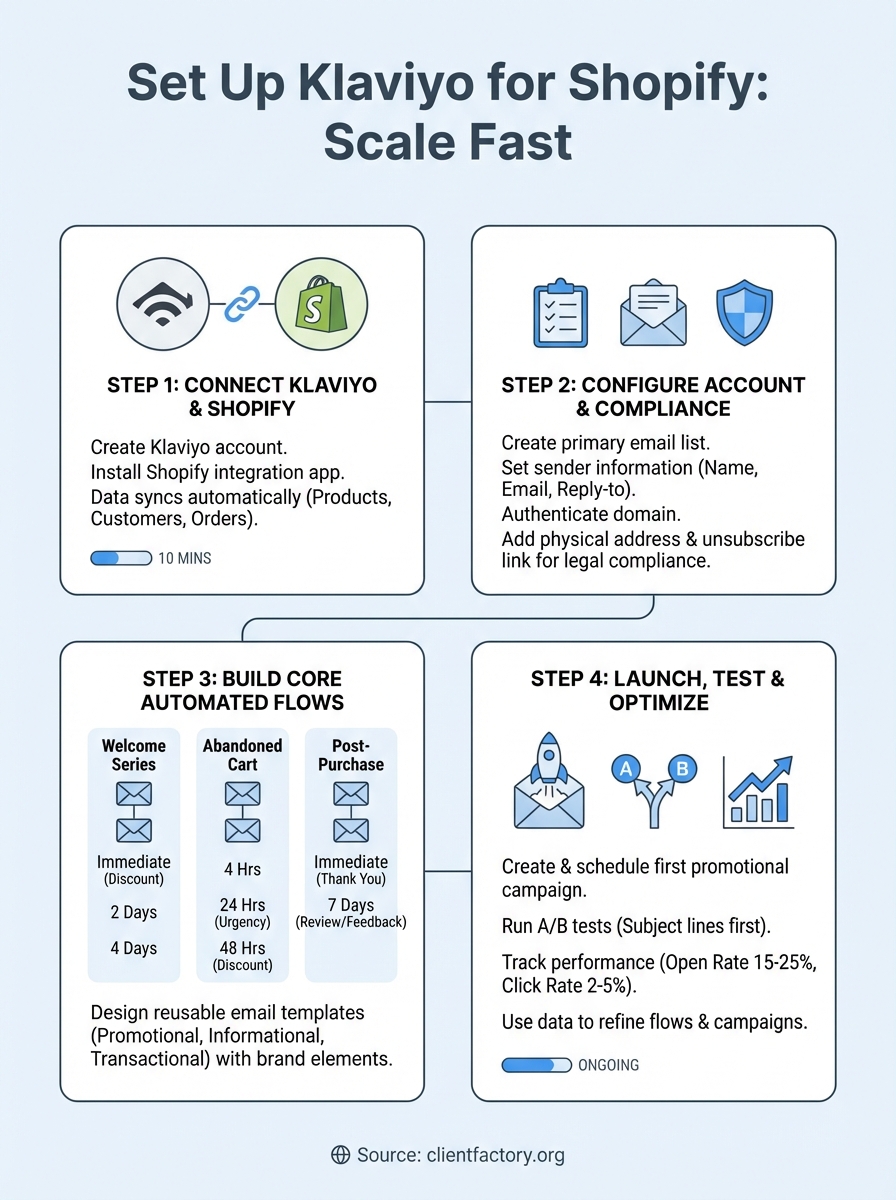
The connection between Klaviyo and Shopify happens in two stages: creating your Klaviyo account and installing the integration app. This process takes about ten minutes total and requires admin access to both platforms. Once connected, Klaviyo automatically pulls your customer data, order history, and product catalog from Shopify, which powers your automated email flows.
Sign up for Klaviyo
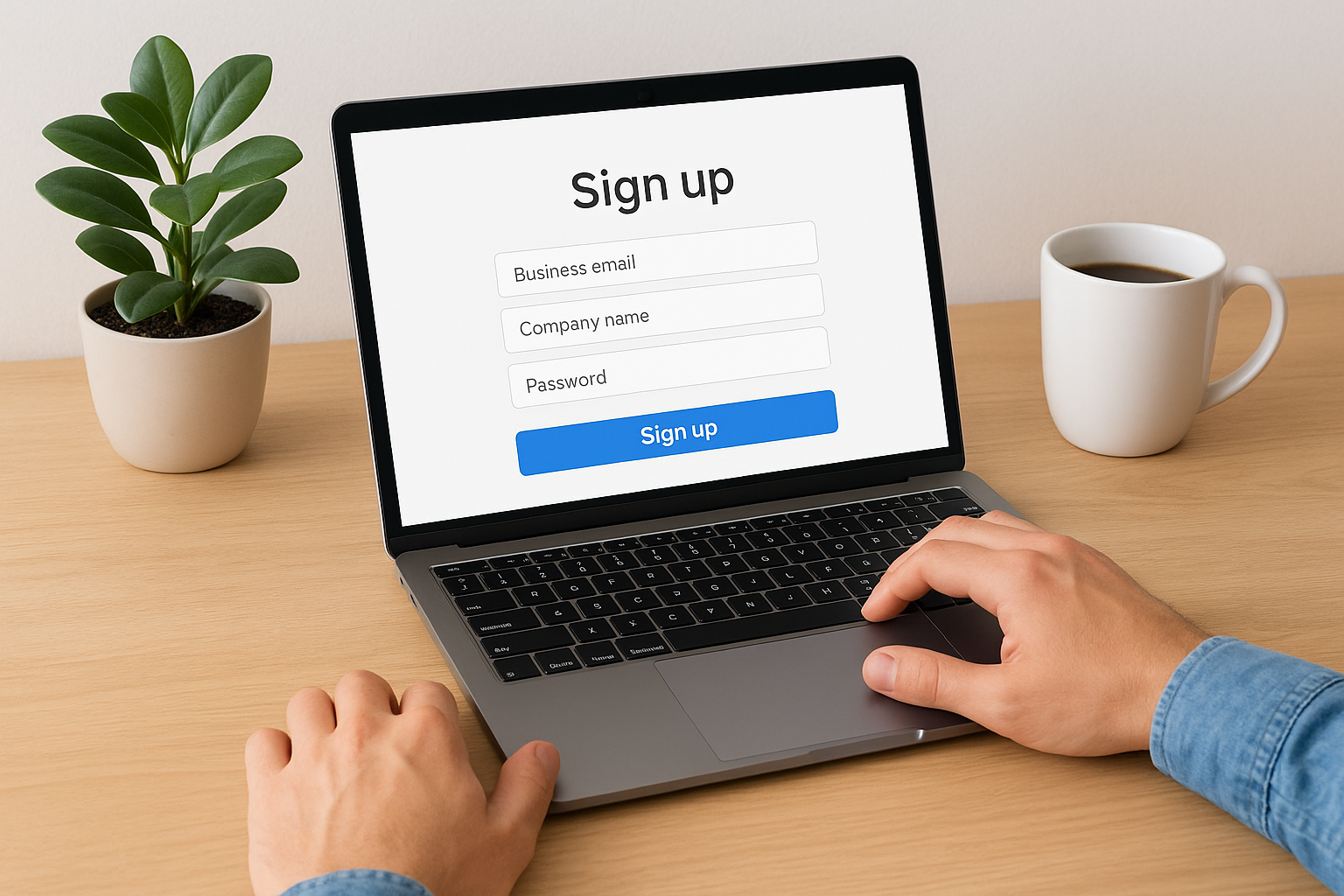
Head to Klaviyo’s website and click the sign-up button to create your account. You need to provide your business email address, company name, and create a password. Klaviyo offers a free plan that includes up to 250 contacts and 500 email sends per month, which works well for new stores testing the platform.
After signing up, Klaviyo asks you to verify your email address through a confirmation link. Click that link, then log into your new Klaviyo account. The platform immediately prompts you to connect an ecommerce platform, which is exactly what you need to do next.
Install the Shopify integration
Inside your Klaviyo dashboard, navigate to the Integrations section in the left sidebar. Search for Shopify and click the integration card. Klaviyo redirects you to the Shopify App Store page for the Klaviyo app. Click Add App and confirm the installation when Shopify asks for permission.
The integration grants Klaviyo access to your store data, which it uses to create targeted campaigns based on actual customer behavior.
The app installation takes 30 seconds to two minutes depending on your store size. Once complete, Klaviyo begins syncing your data automatically. You’ll see your product catalog, customer list, and order history appear in your Klaviyo dashboard within a few minutes. Check the integration status in Klaviyo’s Integrations section to confirm the connection shows as active before moving forward.
Step 2. Configure list, preferences and compliance
Your Klaviyo account needs proper configuration before you send any emails. This step covers three critical areas: organizing your subscriber lists, setting up sender preferences, and meeting legal compliance requirements. Skip any of these, and your emails might land in spam folders or violate email marketing laws.
Create your primary email list
Klaviyo automatically creates a default list when you connect Shopify, but you need to configure it properly. Navigate to Lists & Segments in the left sidebar, then click your main list. Update the list name to something descriptive like "Newsletter Subscribers" or "Main Email List." This name appears in your account only, not to subscribers.
Click the List Settings tab and add your list description explaining how people join this list. For example: "Subscribers who opted in through our website forms and checkout process." This internal documentation helps you track different subscriber sources as your store grows.
Set sender information and authentication
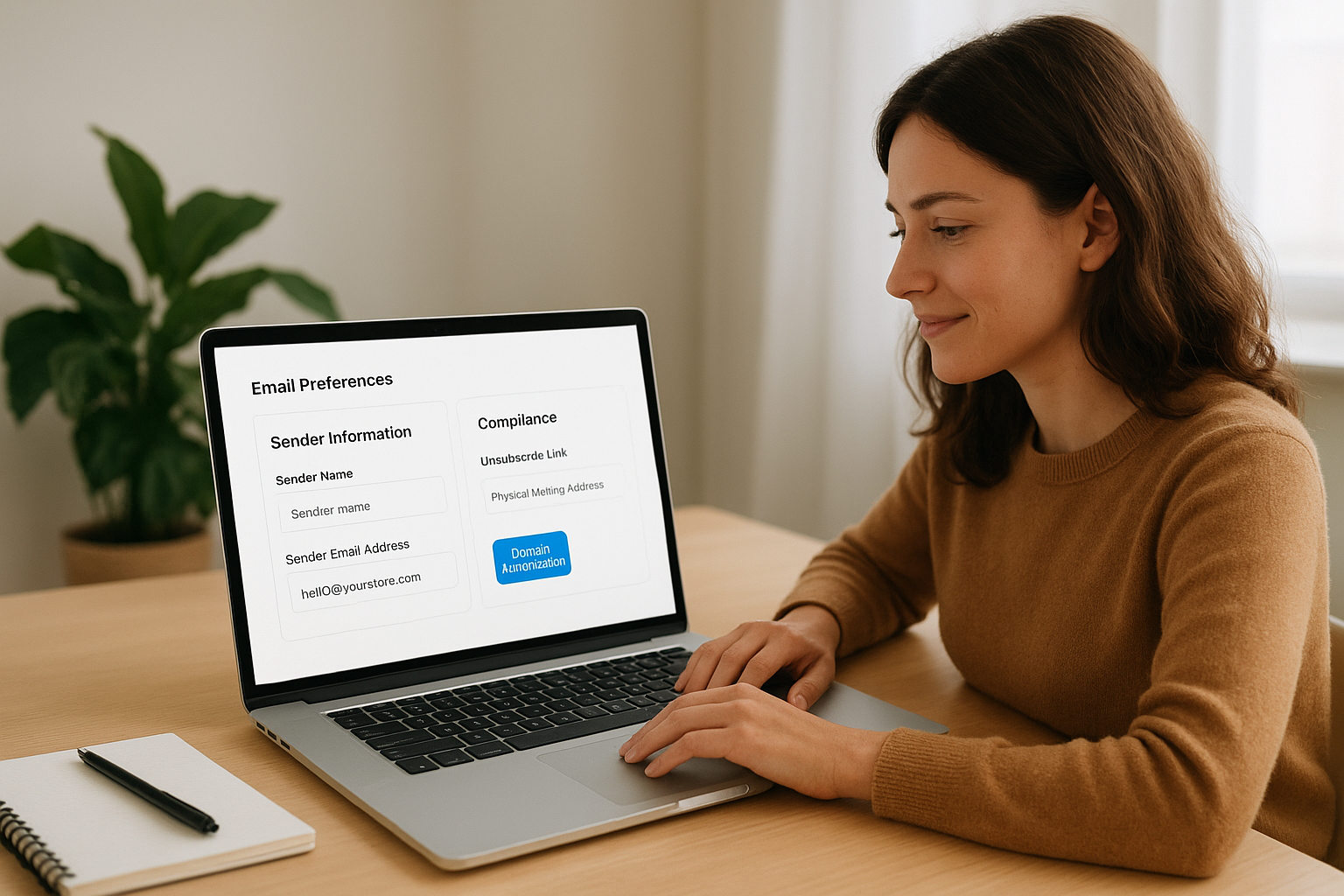
Head to Settings > Email in your Klaviyo dashboard. Fill in your sender name (usually your store name), sender email address (like hello@yourstore.com), and reply-to email. These fields determine what subscribers see when your emails arrive in their inbox.
Klaviyo email marketing requires domain authentication to improve deliverability and protect your sender reputation. Click Authenticate Domain under Email Settings and follow the prompts to add DNS records to your domain host. This verification process takes between 24 to 48 hours but dramatically increases the chances your emails reach the inbox instead of spam.
Add required compliance elements
Every marketing email you send must include a physical mailing address and an unsubscribe link to comply with CAN-SPAM laws and GDPR regulations. Add your business address under Settings > Account > Address. Klaviyo automatically inserts this address and an unsubscribe link in your email footer.
Legal compliance isn’t optional in email marketing, it’s the foundation that keeps your account active and your business protected.
Double-check that your cookie consent settings align with your website’s privacy policy. Navigate to Settings > Compliance and review the default settings, adjusting them based on where your customers are located.
Step 3. Build your core flows and templates
Automated flows generate revenue while you sleep by sending targeted emails based on customer actions. You need three essential flows to start: a welcome series, an abandoned cart recovery sequence, and a post-purchase follow-up. Each flow requires specific triggers, timing, and content that match customer behavior at different stages of their buying journey.
Set up your welcome series flow
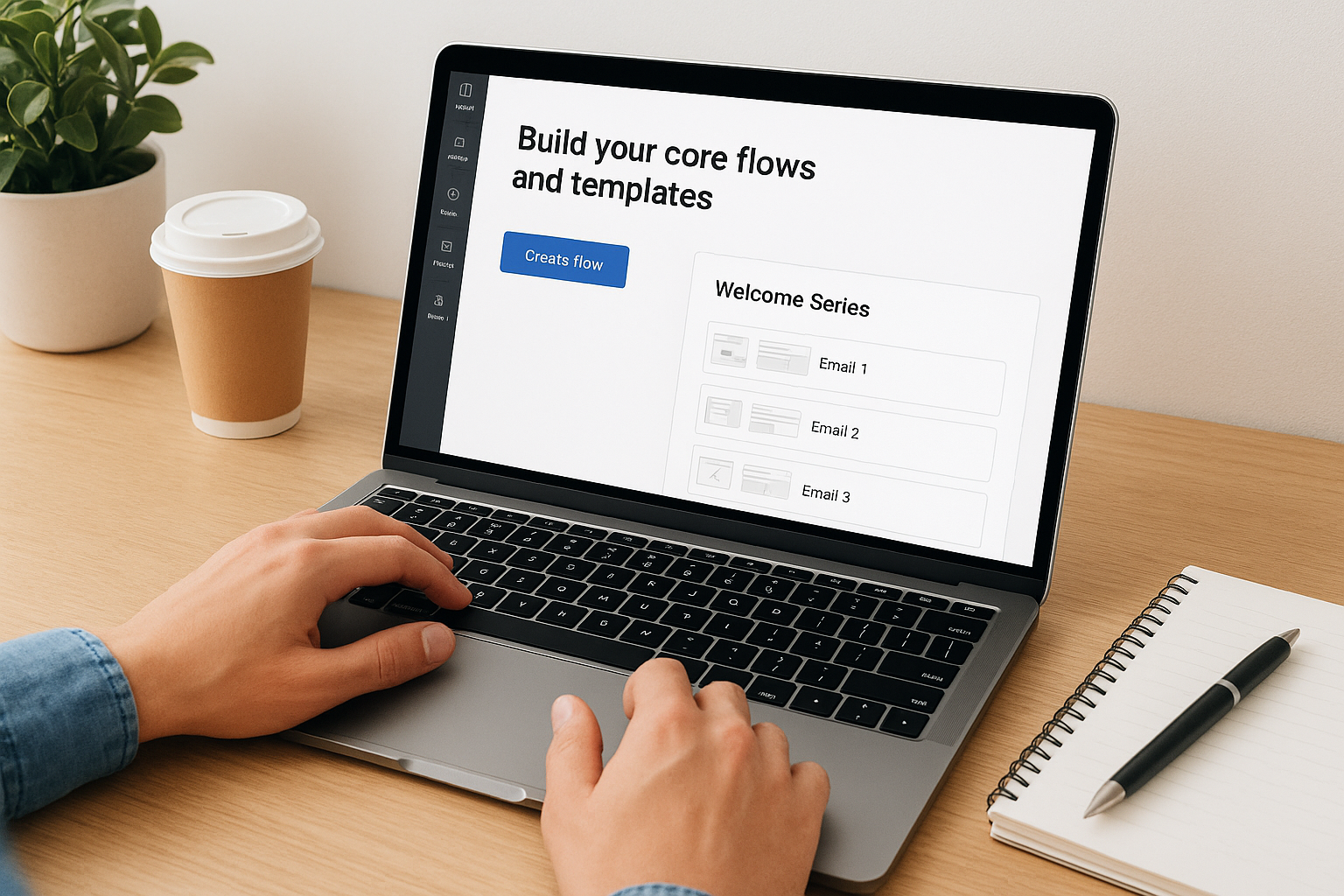
Click Flows in the left sidebar, then select Create Flow and choose the Welcome Series template. Klaviyo pre-builds this flow with three emails that introduce new subscribers to your brand. The trigger fires when someone joins your email list, sending the first email immediately.
Customize each email in the sequence by clicking the email block. Update the subject lines to match your brand voice and replace placeholder content with your actual product offerings. The first email should thank subscribers and offer a discount code (typically 10-15% off) to encourage first purchases. Space the second email two days later highlighting best-sellers, and the third email four days after showcasing your brand story or customer testimonials.
Your welcome series converts new subscribers into customers faster than any other flow, making it the highest-priority automation to set up correctly.
Build your abandoned cart flow
Navigate back to Create Flow and select Abandoned Cart from the template library. This flow triggers when a customer adds items to their cart but leaves without purchasing. Klaviyo email marketing automatically includes product details and cart images in these emails, reminding customers exactly what they left behind.
The standard abandoned cart sequence includes three emails sent at specific intervals. Send the first email four hours after abandonment with a simple reminder. The second email goes out 24 hours later adding urgency with phrases like "Items still in your cart" or "Your cart expires soon." Send the final email 48 hours after the second, potentially including a small discount (5-10% off) to close the sale.
Create post-purchase sequence
Select Post-Purchase from the flow templates to build this sequence. The trigger activates when a customer completes a purchase, starting with a thank-you email sent immediately. This sequence builds customer loyalty and encourages repeat purchases.
Structure this flow with two to three emails. Email one thanks customers and confirms their order details. Email two arrives seven days later asking for product feedback or a review. If you include a third email, send it 14-21 days after purchase recommending complementary products based on their original order.
Design reusable email templates
Head to Email Templates under the Content section to create your base designs. Build three core templates you’ll use repeatedly: a promotional template, an informational template, and a transactional template. Each template should include your brand logo, consistent colors, and a clear call-to-action button.
Use Klaviyo’s drag-and-drop editor to add sections for hero images, product grids, and text blocks. Save each template with a descriptive name like "Promotional – Sale Template" or "Informational – Content Template." These templates speed up campaign creation and maintain visual consistency across all your emails.
Step 4. Launch campaigns, test and optimize
Automated flows handle ongoing customer communication, but you need one-off campaigns to promote sales, announce new products, and engage subscribers who haven’t purchased yet. Your first campaign should be simple: a promotional email sent to your entire list testing basic deliverability and engagement. After launching, you’ll use Klaviyo’s testing tools and analytics to improve performance over time.
Create your first promotional campaign
Navigate to Campaigns in the left sidebar and click Create Campaign. Select Email as your channel and choose one of your saved templates or start from scratch. Your first campaign should promote a specific offer with a clear deadline, like "20% Off All Products This Weekend" or "New Arrival: Get Yours Before They Sell Out."
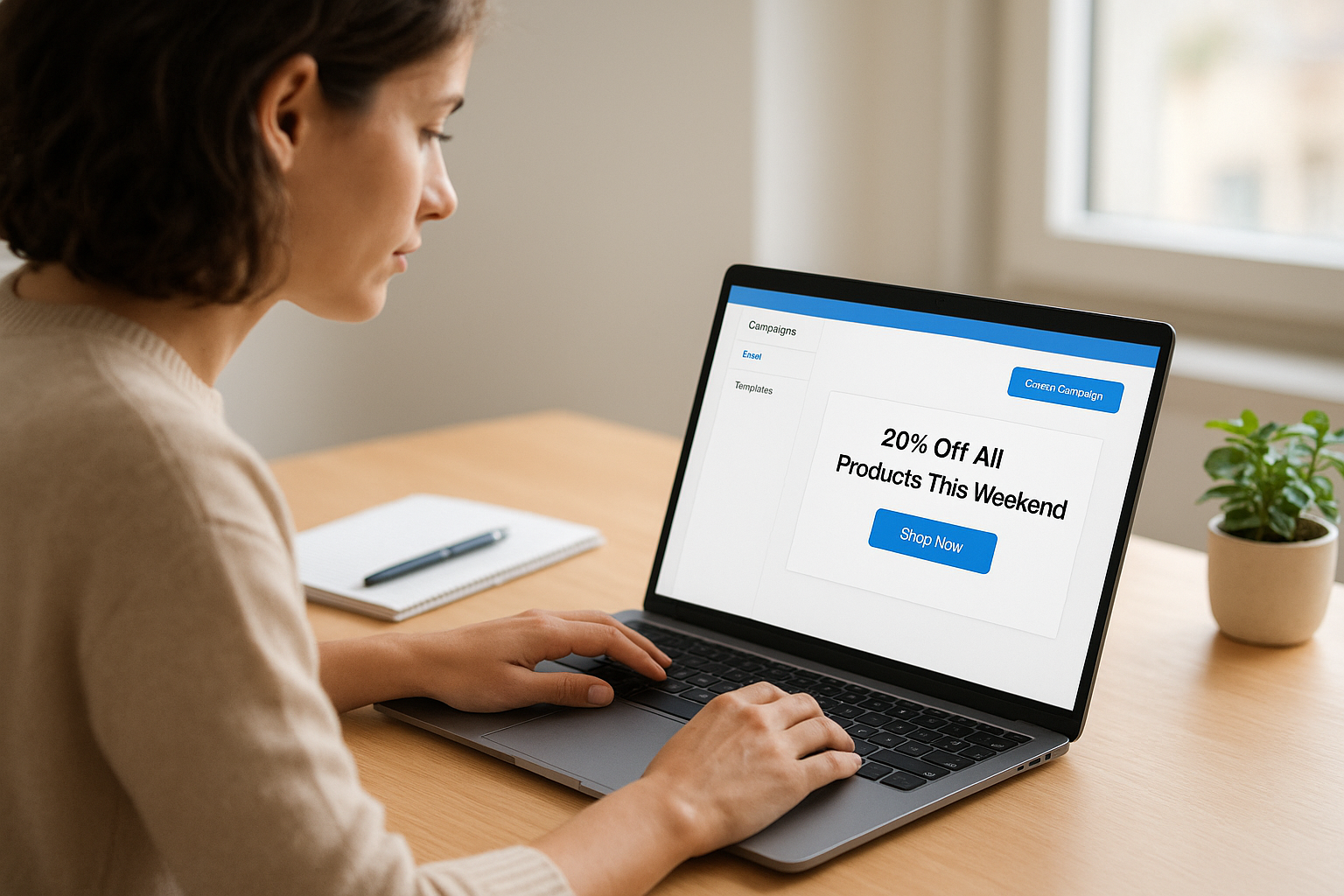
Write a subject line under 50 characters that clearly states the benefit. Examples include "Your 20% off code expires tonight" or "New: Winter Collection now available." Add preview text that expands on the subject line rather than repeating it. In the email body, place your primary call-to-action button above the fold where subscribers see it without scrolling.
Select your recipient list (typically your main email list), then schedule the send time. Most ecommerce stores see best results sending campaigns Tuesday through Thursday between 10 AM and 2 PM in their customers’ local timezone. Klaviyo email marketing handles timezone delivery automatically if you enable smart sending in the campaign settings.
Run A/B tests on subject lines
Click A/B Test before sending your campaign to test different elements. Start with subject line testing since it directly impacts open rates. Create two variants: one straightforward subject line stating the offer, and one that adds urgency or curiosity.
Set Klaviyo to send each variant to 25% of your list, then automatically send the winning version to the remaining 50% after four hours. Test one element at a time to understand what drives results. After you master subject lines, test preview text, send times, or different offers in future campaigns.
Testing shows you what works instead of making you guess, turning every campaign into data you can use to improve the next one.
Track performance and iterate
Check your campaign report 24 hours after sending to review key metrics. Focus on open rate (target 15-25% for ecommerce), click rate (target 2-5%), and revenue per recipient. If your open rate falls below 15%, test different subject lines or clean inactive subscribers from your list.
Compare campaign performance against your automated flows to identify patterns. Subscribers who engage with campaigns but don’t purchase might need different messaging or stronger offers. Use this data to refine your templates, adjust your sending frequency, and improve future campaign content.
Next steps
Your Klaviyo email marketing system is live and ready to convert visitors into customers. You connected Shopify, configured compliance settings, built automated flows that run without manual work, and launched your first campaign. These foundational elements handle the majority of your email marketing automatically, generating revenue while you focus on other parts of your business.
Monitor your flow performance weekly for the first month, adjusting email timing and content based on actual open rates and conversion data. Add new campaigns every two weeks to keep subscribers engaged between automated sequences. Test different discount strategies, product recommendations, and content formats to discover what resonates with your specific audience.
Need help scaling beyond the basics or want experts to optimize your entire acquisition funnel? Client Factory builds data-driven marketing systems that turn clicks into clients across multiple channels, including advanced email strategies that work alongside paid advertising and SEO to maximize your customer lifetime value.
